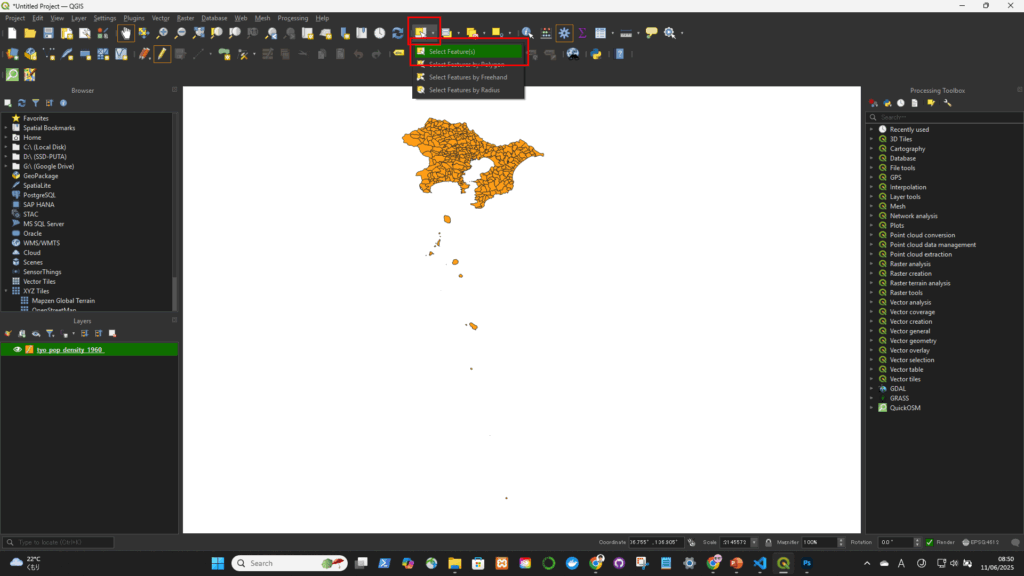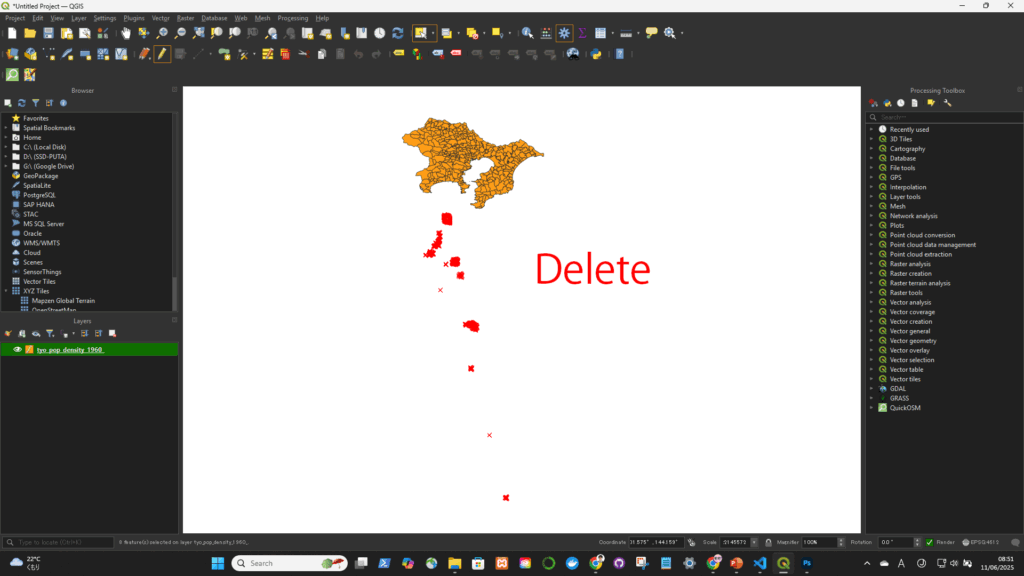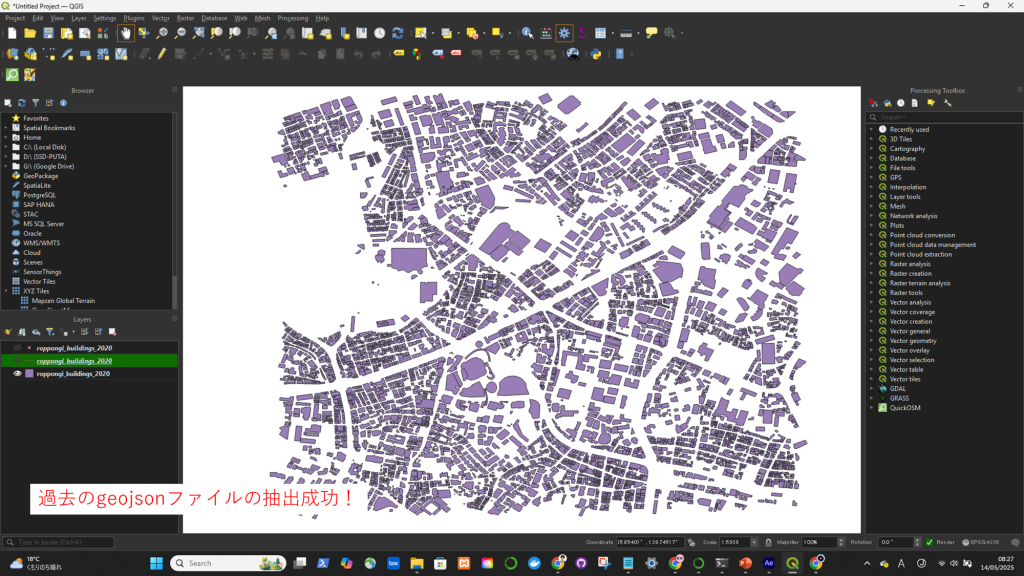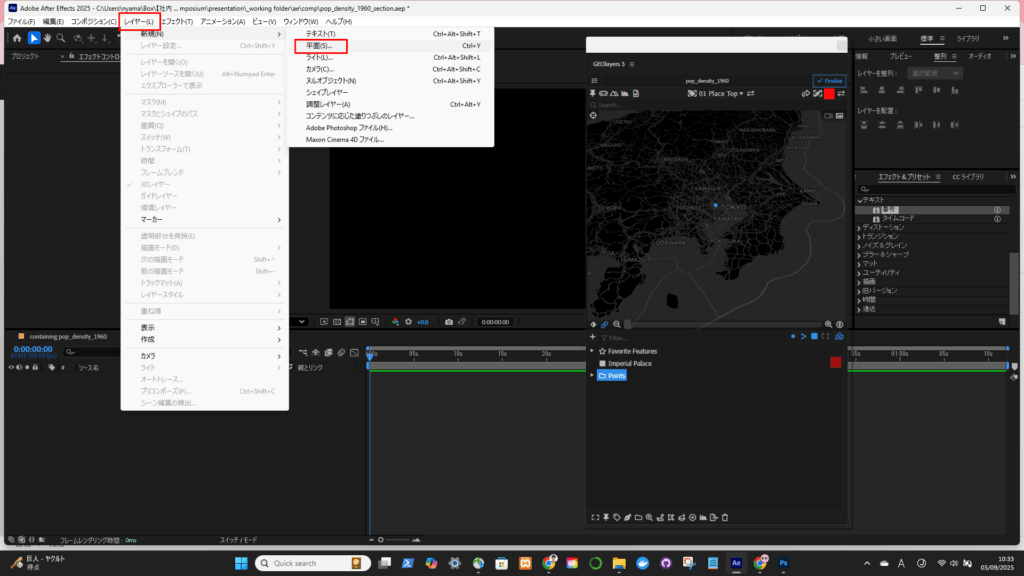
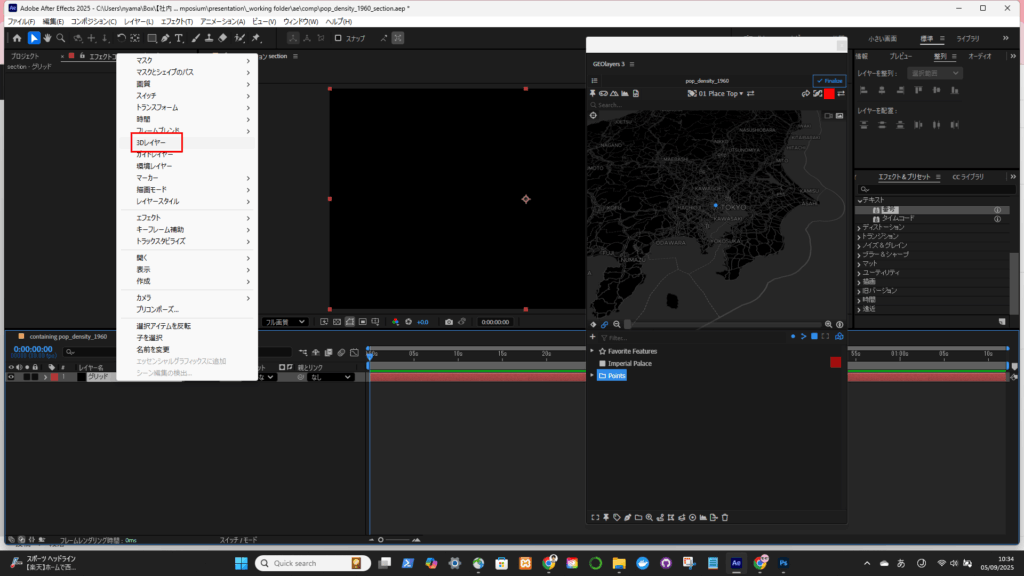
フィーチャーを抽出する

Method 1: Using “Select by Expression”

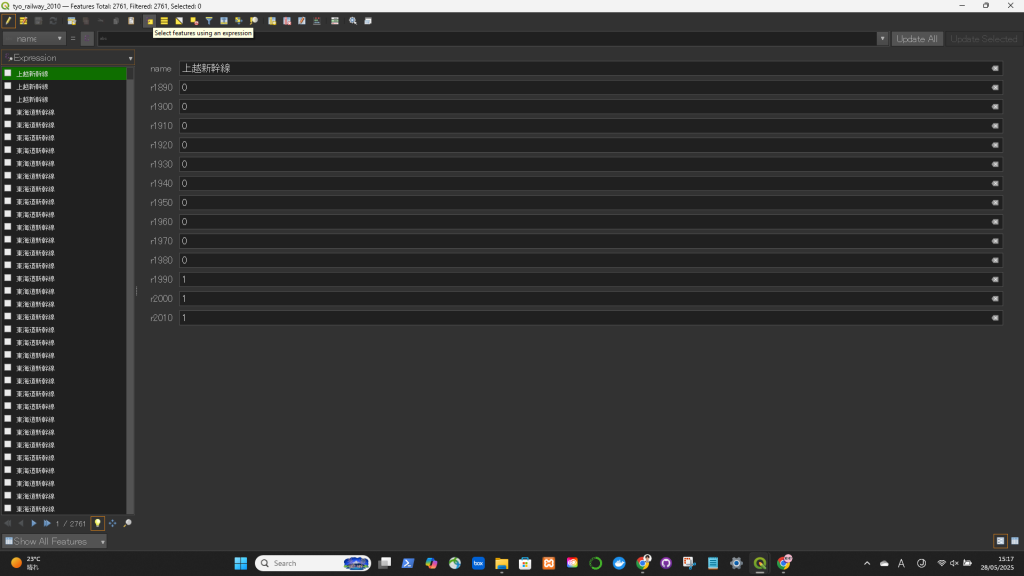
  1. Open your attribute table.
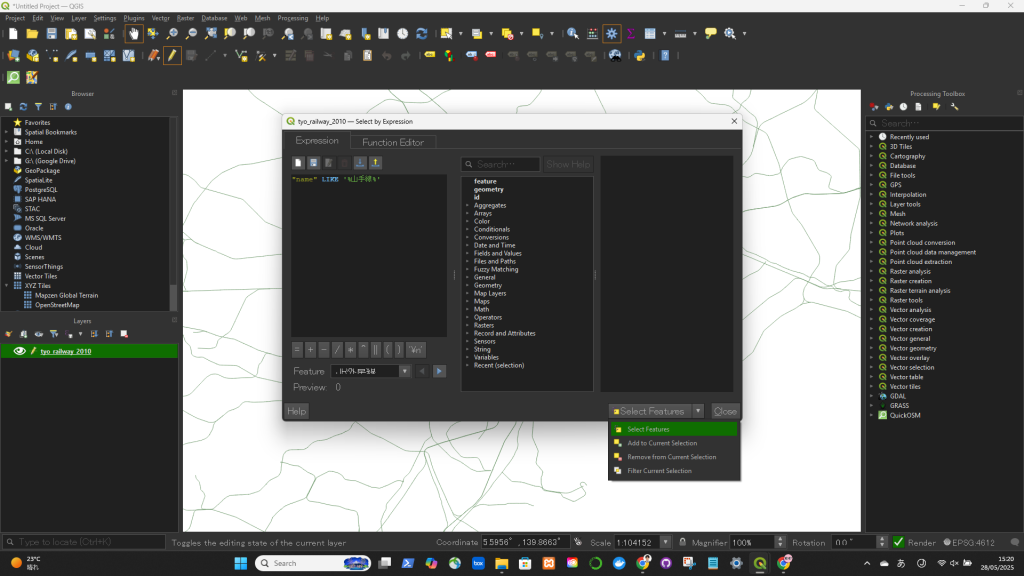
  2. Click on “Select Features Using an Expression” (looks like an abacus: ∑).
  3. Enter the following expression:
  4. SQL(例): 
    "name" LIKE '%山手線%'
    “code” <= 2000
  5. Click “Select Features”.

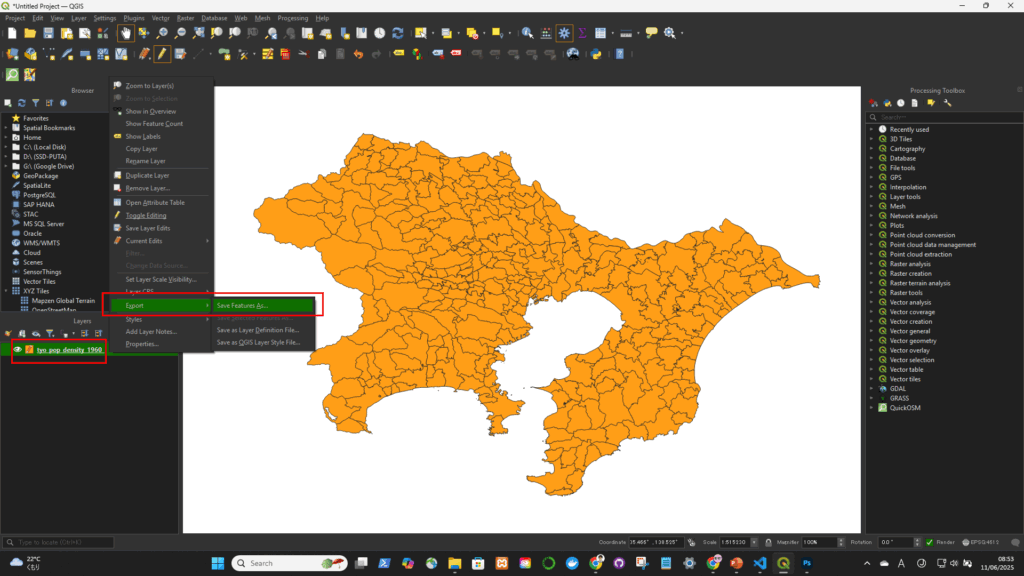
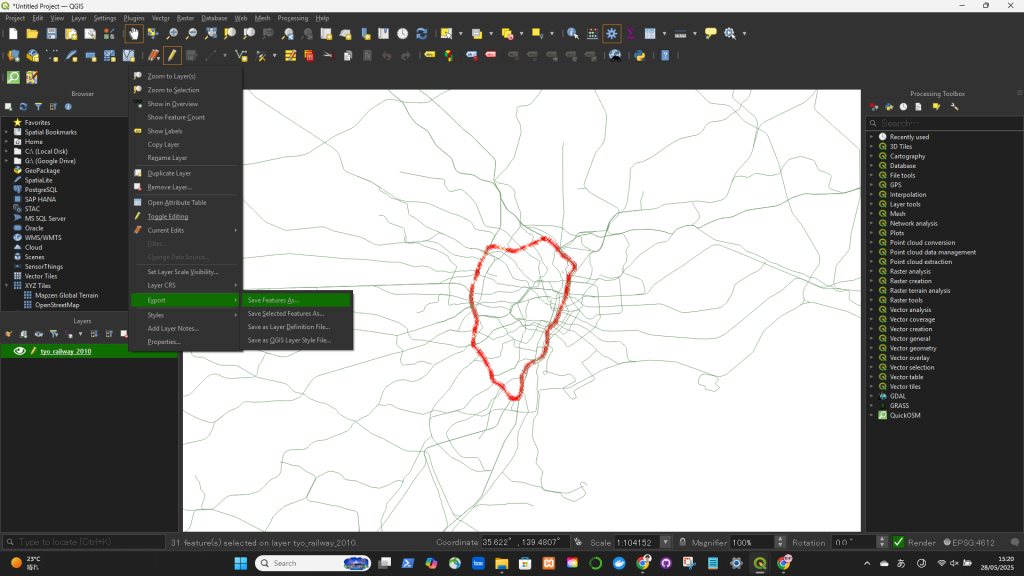
If you want to export only the selected features:
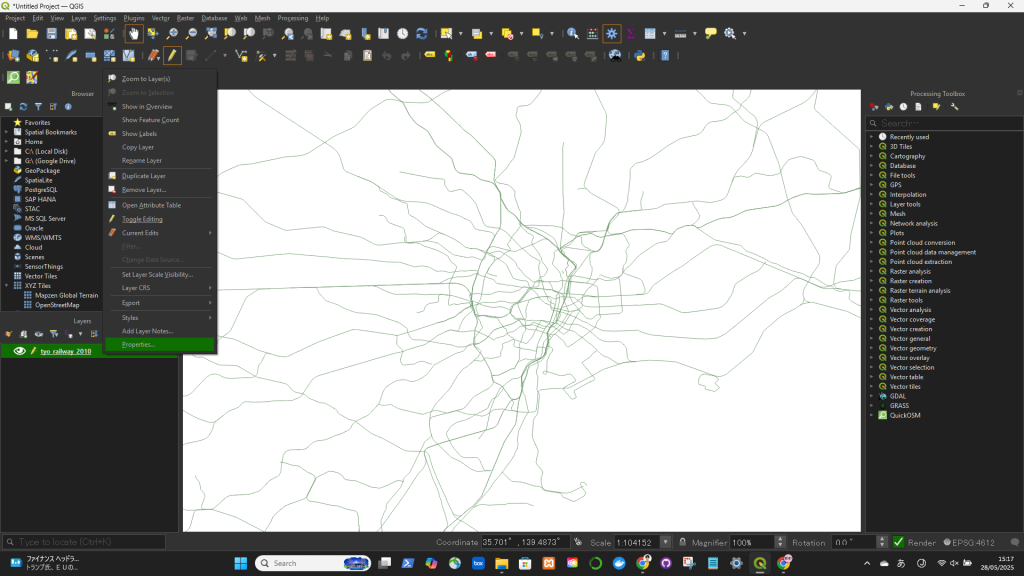
  • Right-click the layer in the Layers panel → ExportSave Selected Features As…

QGISでコラム名を変更する

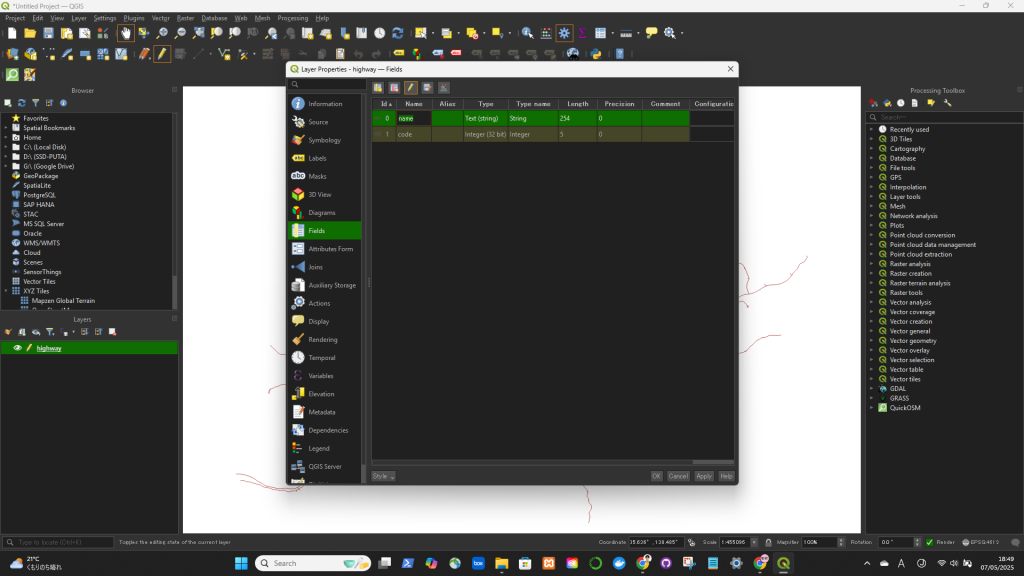
✅ Rename a Column in QGIS (Using the Layer Properties)

  1. Right-click the layer in the Layers Panel.
  2. Select “Properties”.
  3. Go to the “Fields” tab (or “Attributes Form” in newer versions).
  4. Find the column you want to rename.
  5. Click in the “Alias” column next to the field name and type the new name.
    • 🔹 This changes only the display name (alias), not the actual field name in the data.