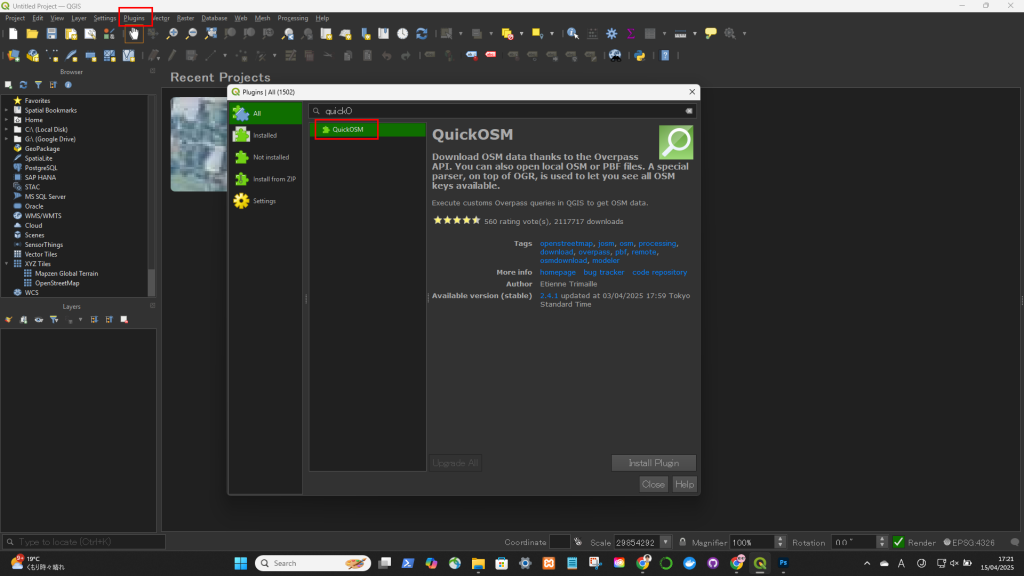
- Go to
Plugins→Manage and Install Plugins… - Search for and install: QuickOSM
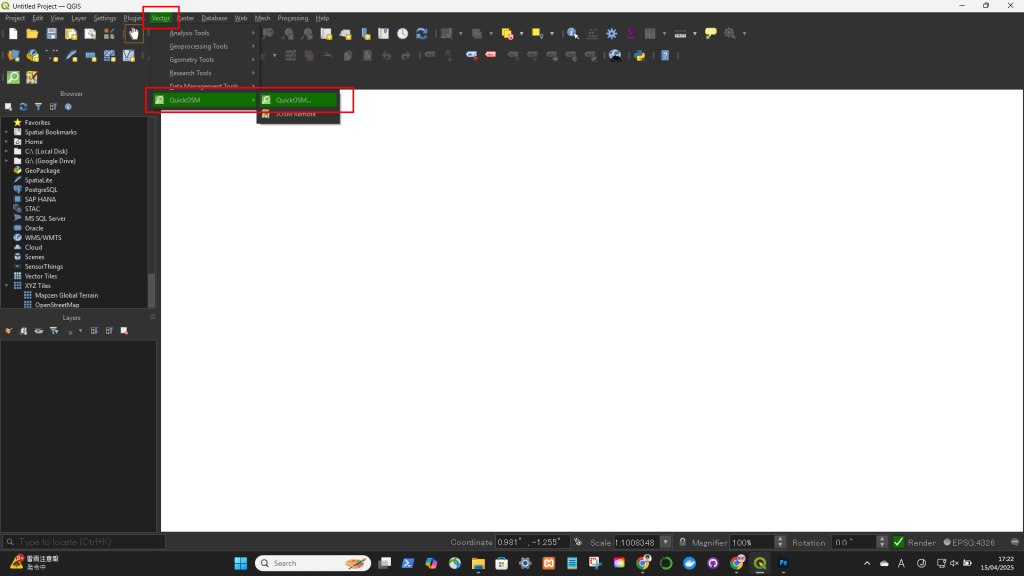
- Open it via
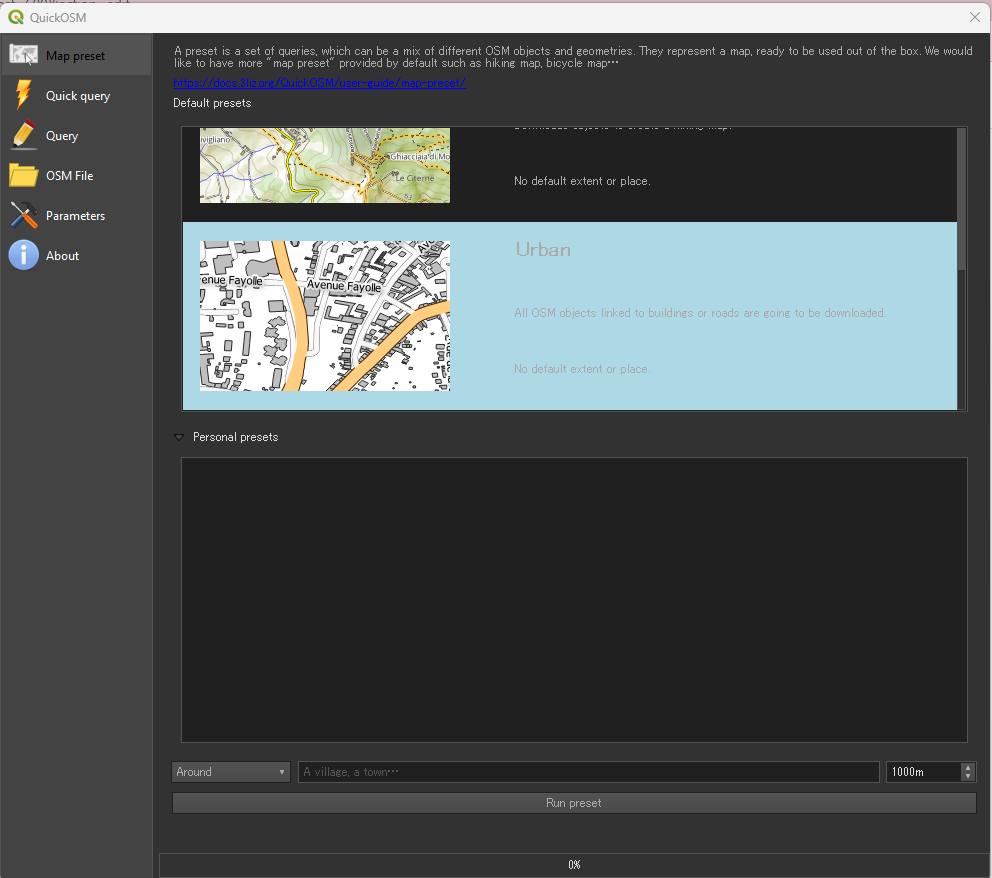
Vector→QuickOSM→QuickOSM… - In the window:
- Key: e.g.,
building - Value: leave blank or set e.g.,
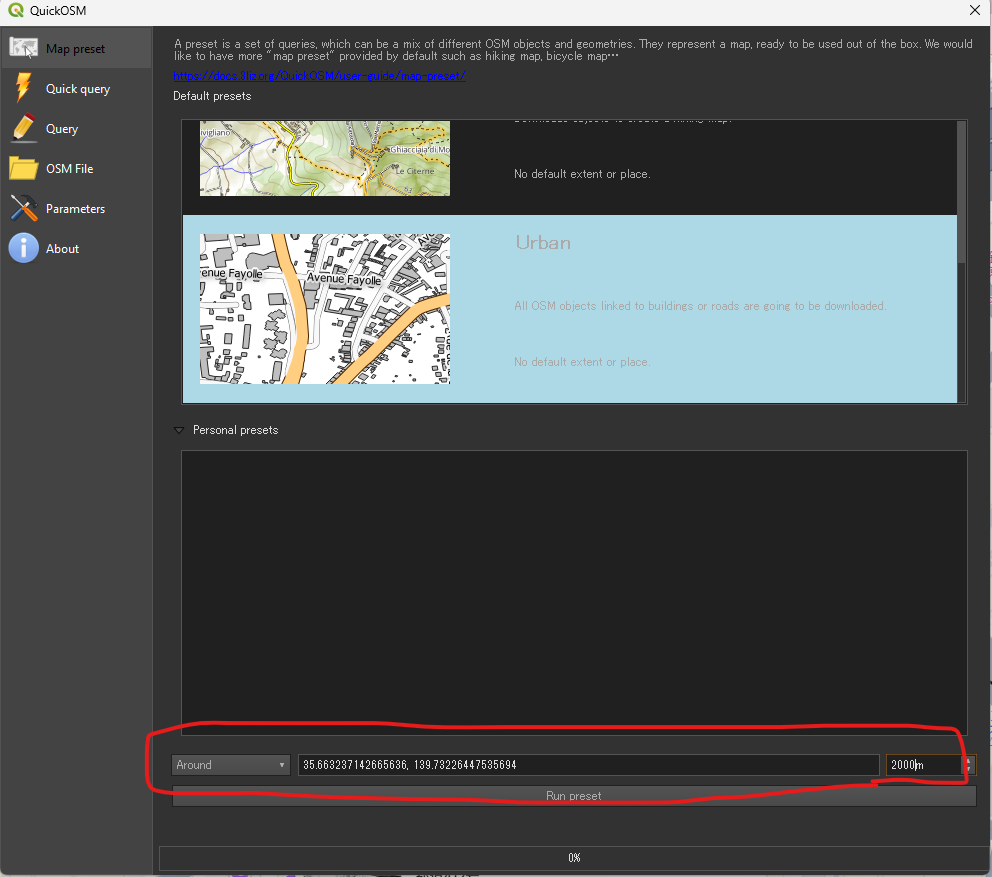
yes - Extent: choose “Canvas extent” or a specific area
- Click Run
- Key: e.g.,
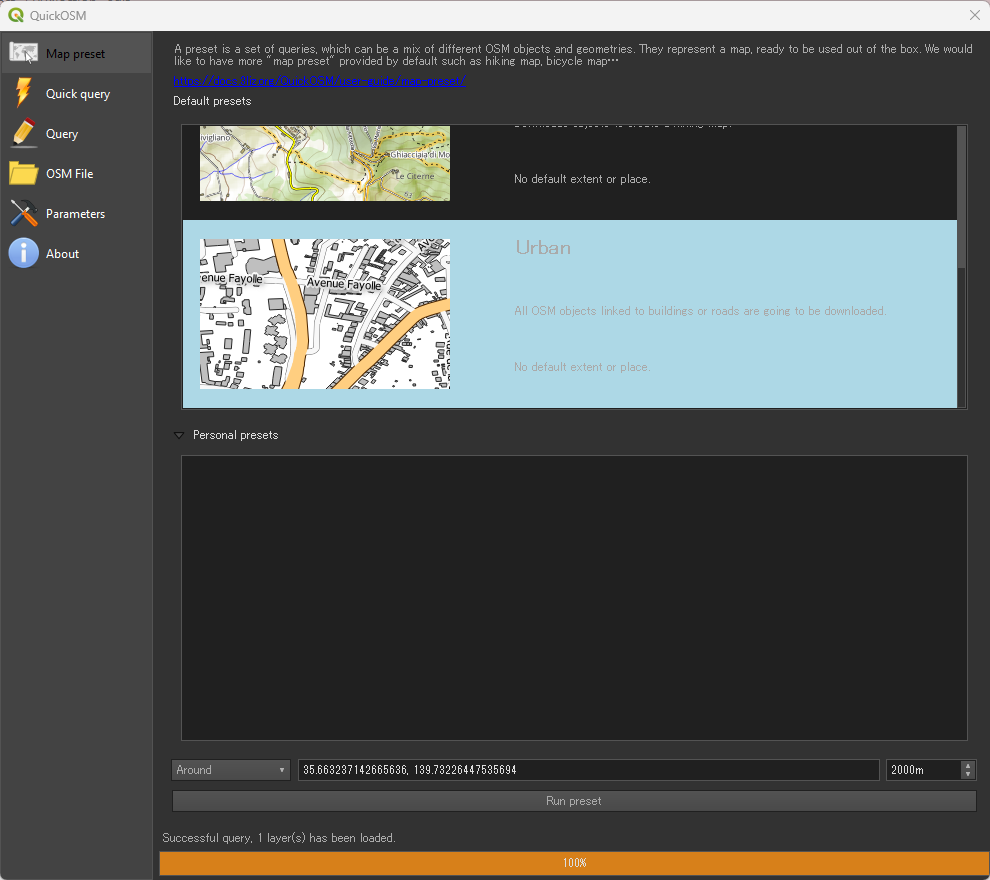
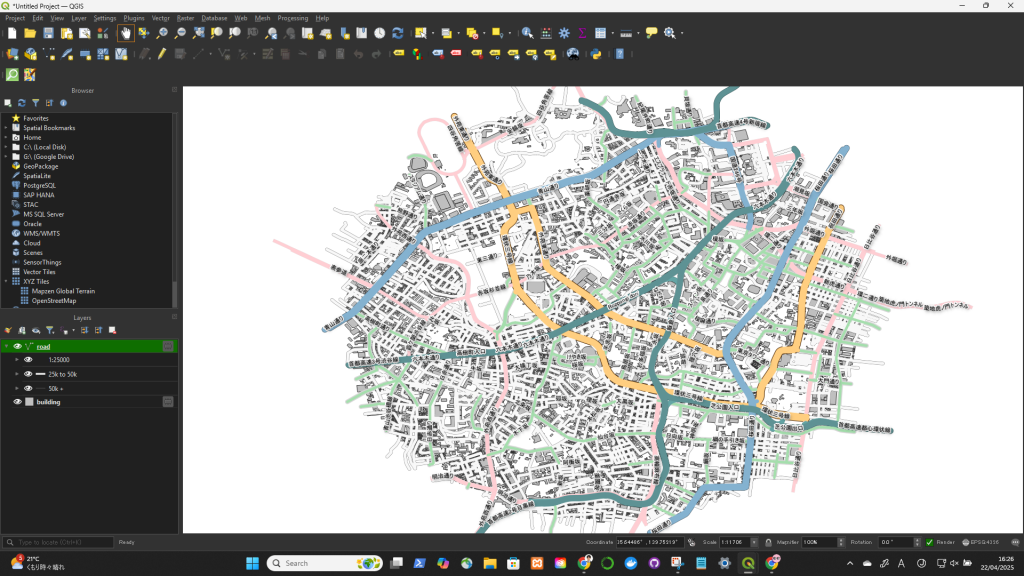
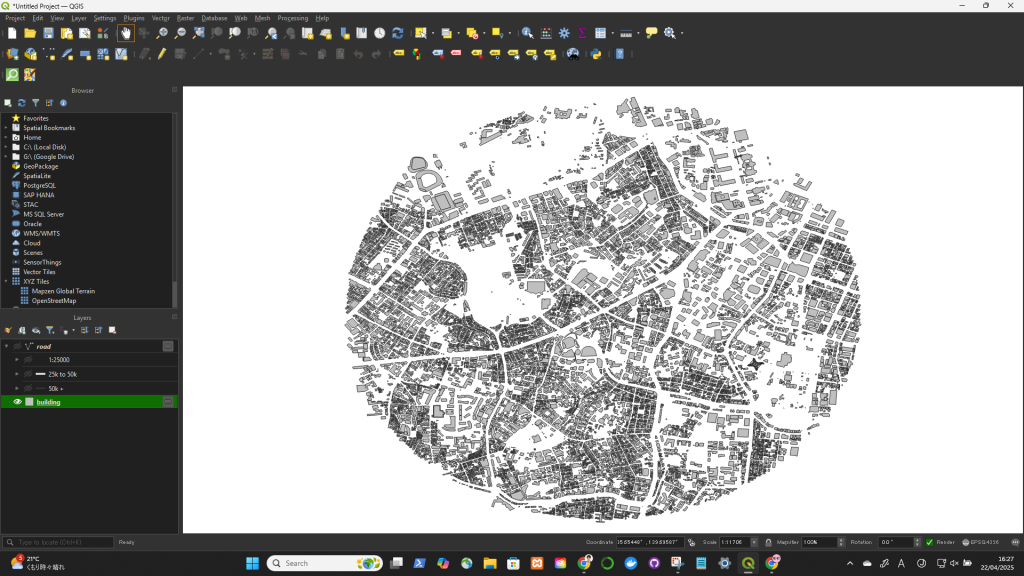
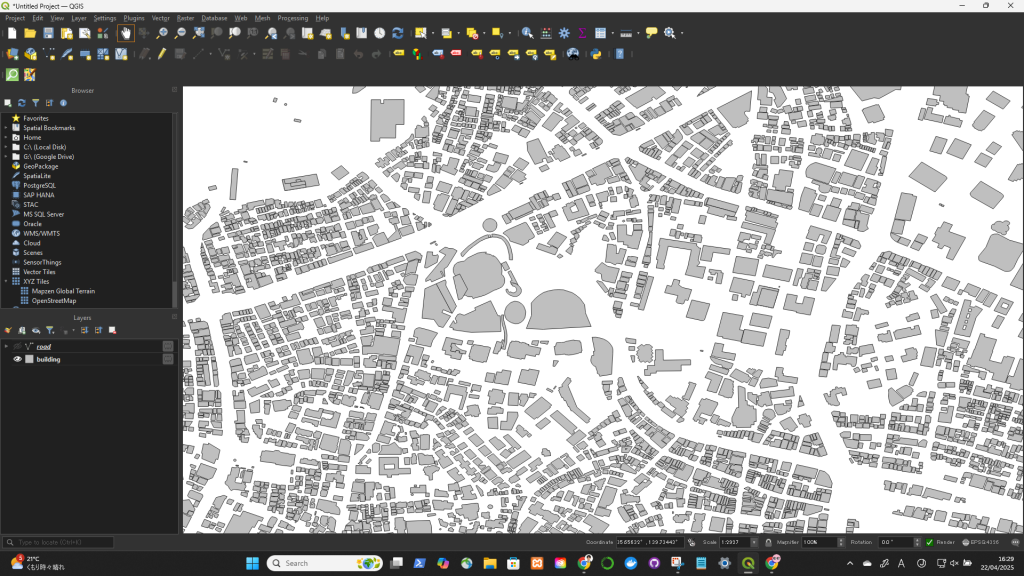
You’ll get layers like:
PointsLinesPolygons(for buildings, land use, etc.)
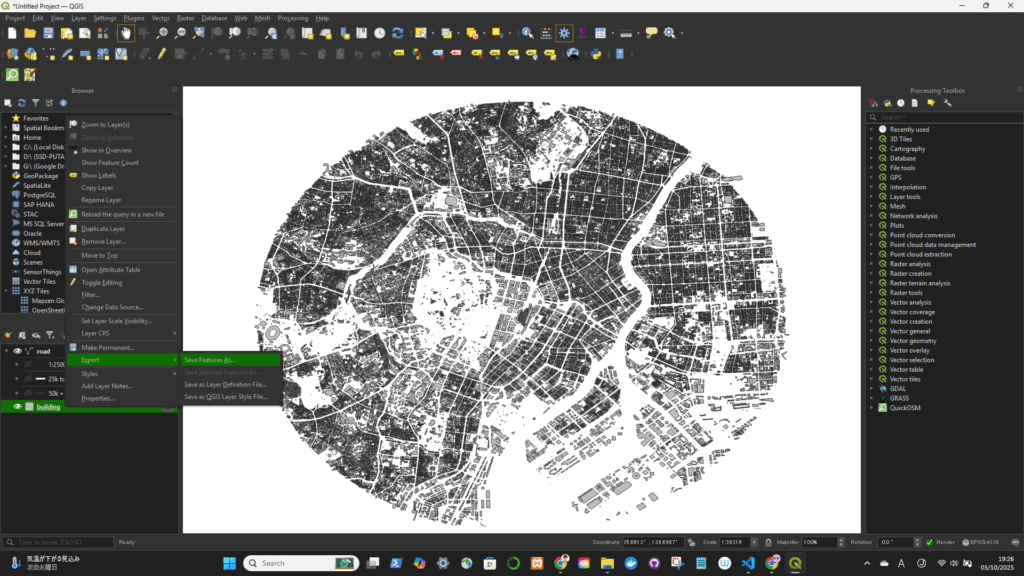
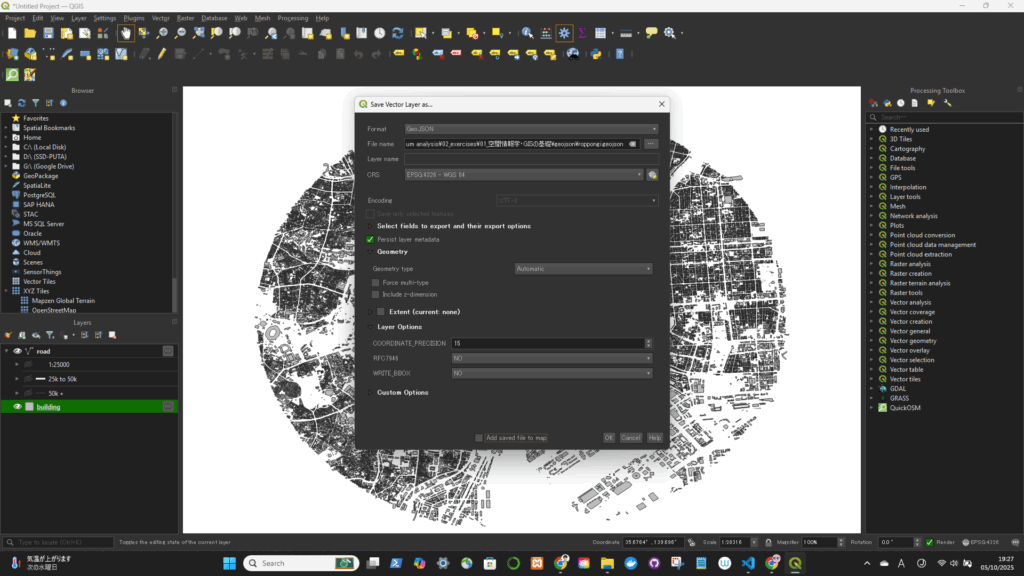
geojsonとして書き出す