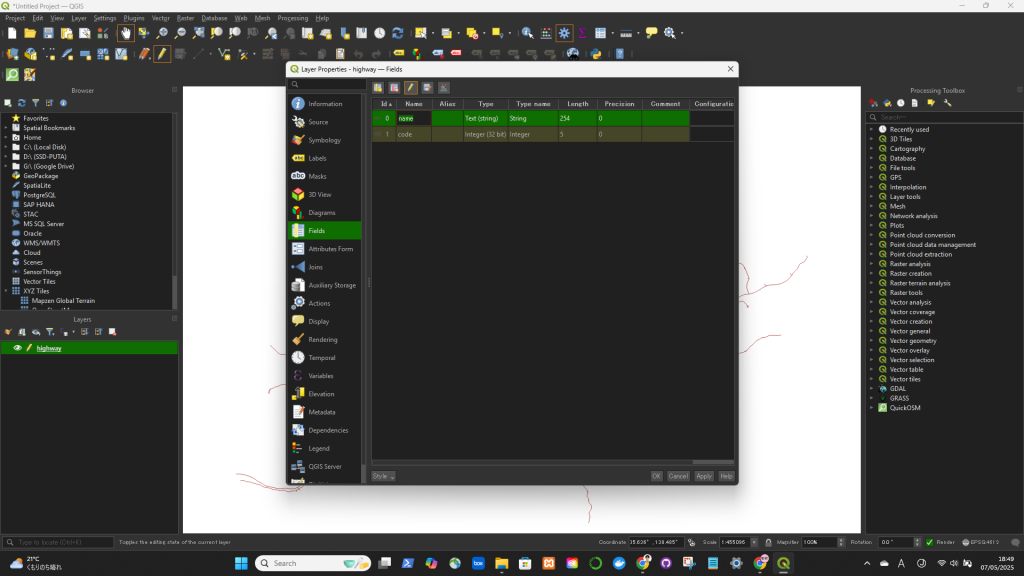

✅ Rename a Column in QGIS (Using the Layer Properties)
- Right-click the layer in the Layers Panel.
- Select “Properties”.
- Go to the “Fields” tab (or “Attributes Form” in newer versions).
- Find the column you want to rename.
- Click in the “Alias” column next to the field name and type the new name.
- 🔹 This changes only the display name (alias), not the actual field name in the data.