
元ファイルを開く(今回はEPSG:4326(WGS84)をEPSG:4612(JGD2000)に変更する)
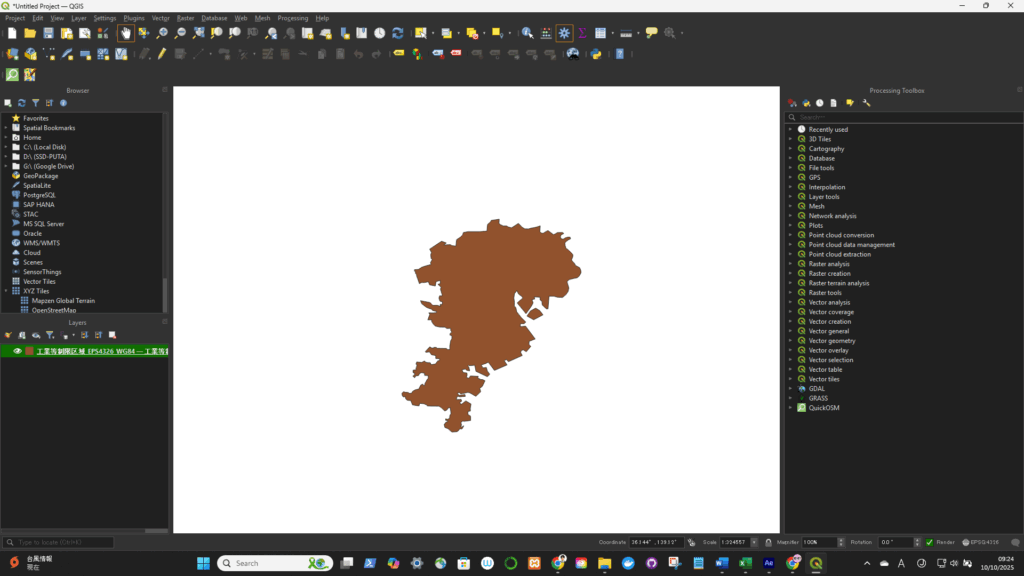
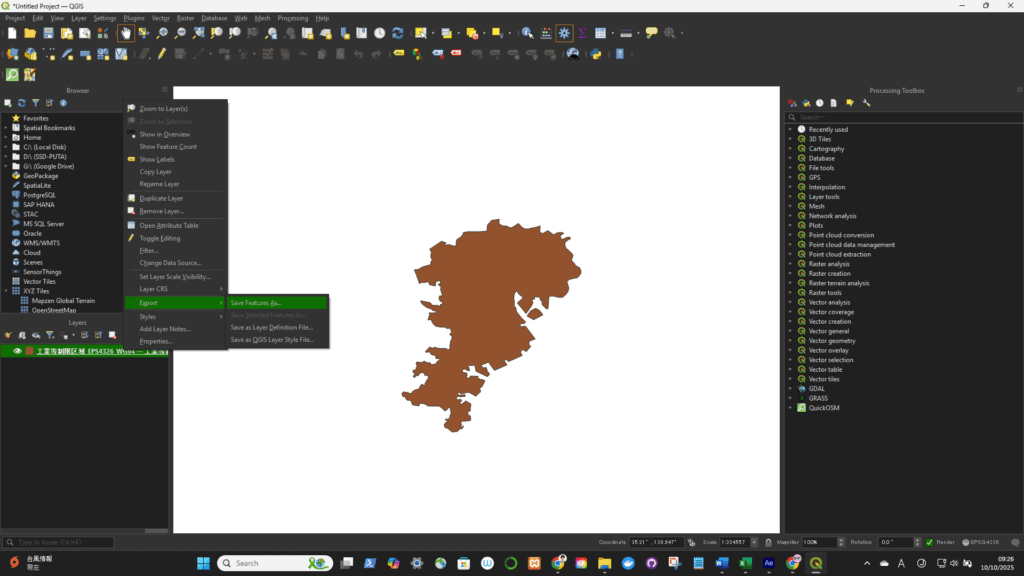
Right-click the layer in the Layers panel → select “Export” → “Save Features As…” (for vector data)
or “Export → Save As…” (for raster data).
- Format: Choose your desired output format (e.g., GeoPackage, ESRI Shapefile, GeoJSON).
- File name: Set where you want to save it.
- CRS: Click the “Select CRS” button 🌐 to open the CRS selector.
- Choose your target CRS (for example,
- EPSG:4326 → WGS 84 (latitude/longitude)
- EPSG:3857 → Web Mercator (used by Google Maps, Mapbox, etc.)
- EPSG:6677 → JGD2011 / Japan Plane Rectangular CS Zone 9)

Click OK — QGIS will create a new file in the selected CRS.