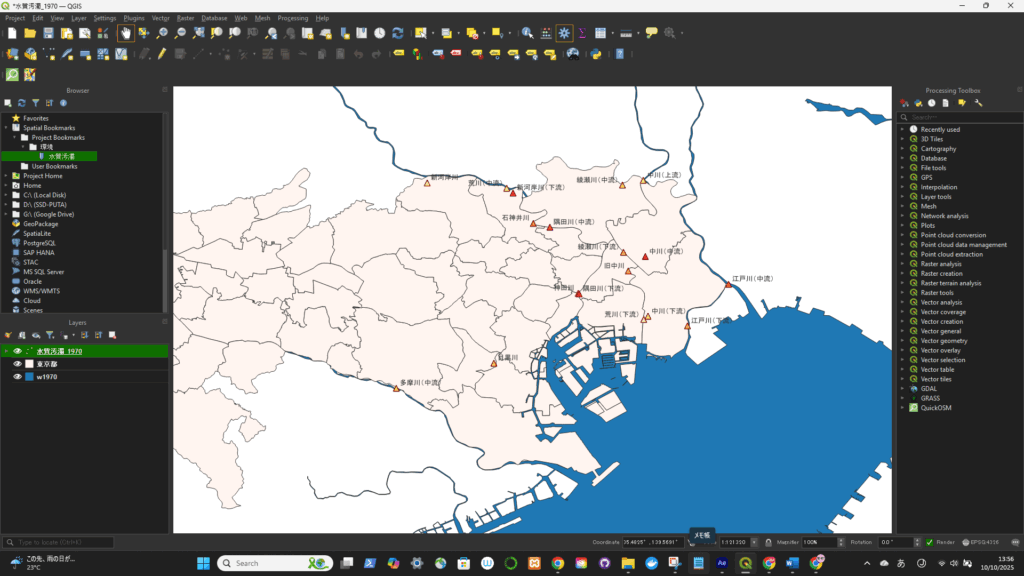
Steps:
- Open your preferred project and zoom to your desired frame.
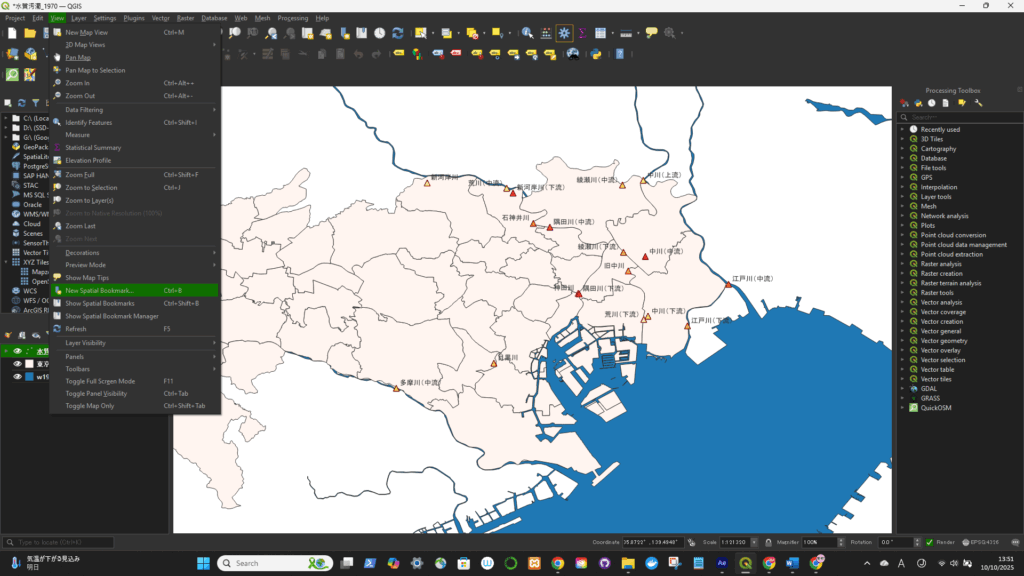
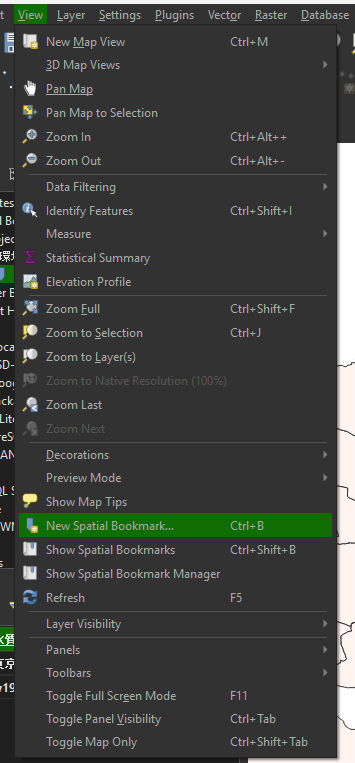
- Go to View → New Bookmark… (or press
Ctrl + B). - In the Create Spatial Bookmark window:
- Give it a name (e.g. Tokyo CBD frame).
- Tick the box “Save as User Bookmark” (or in older versions, just save — it defaults to user scope).
- Click OK.
Now that bookmark will appear in:
- Browser Panel → Spatial Bookmarks, and
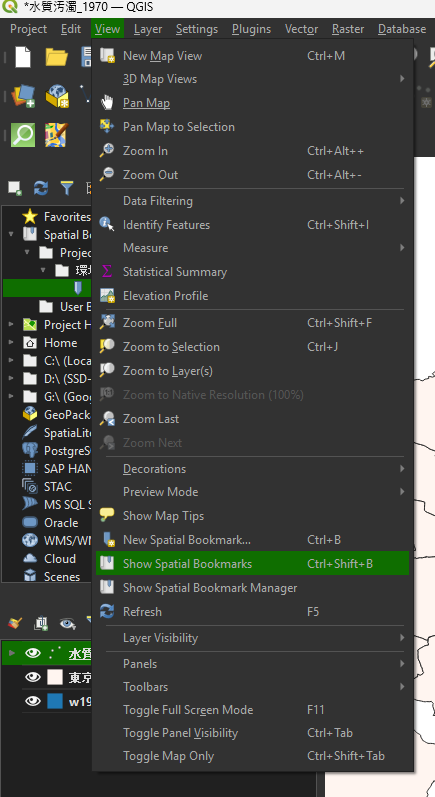
- View → Show Bookmarks, across all projects you open in QGIS.
📍 You can click it anytime to jump to exactly the same map extent — even if you’re working in a completely different dataset.
保存した後に、Show Spatial Bookmarksを選択する

先ほど保存したBookmarkのところにフレームが戻った